TIP: Searching in lists
Regelneef contains many lists of data, often already filtered by a selection. But how can you search within a list?
Column sorting
Sorting is a simple way to find data in a column. Click a column heading to sort it in ascending order. Click again to sort in descending order. Hold Ctrl while clicking to remove sorting from that column.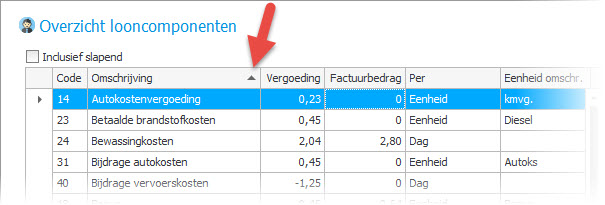
Column filter
Many columns support filtering. Move the pointer over a column heading to display the filter icon. Click it to see a list of the distinct values currently in that column. Select one or more values to filter the list.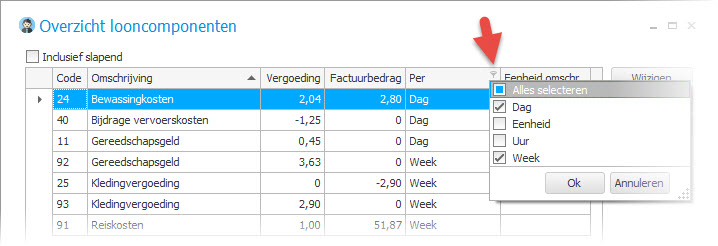
List filter
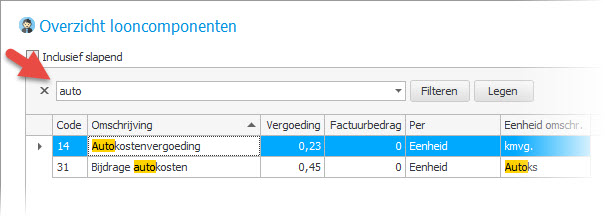
You can also search across all columns using a list filter. With the list focused, press Ctrl+F to display the search field and enter your search text. Regelneef automatically filters the rows as you type, showing only rows containing the text in any column. Matches are highlighted in yellow so you can see exactly where the text was found.